Skip to content
View in the app

A better way to browse. Learn more.

124 Spider Club

A full-screen app on your home screen with push notifications, badges and more.

To install this app on iOS and iPadOS
  1. Tap the Share icon in Safari
  2. Scroll the menu and tap Add to Home Screen.
  3. Tap Add in the top-right corner.
To install this app on Android
  1. Tap the 3-dot menu (⋮) in the top-right corner of the browser.
  2. Tap Add to Home screen or Install app.
  3. Confirm by tapping Install.

Italian Car Day @ Brooklands

(0 reviews)

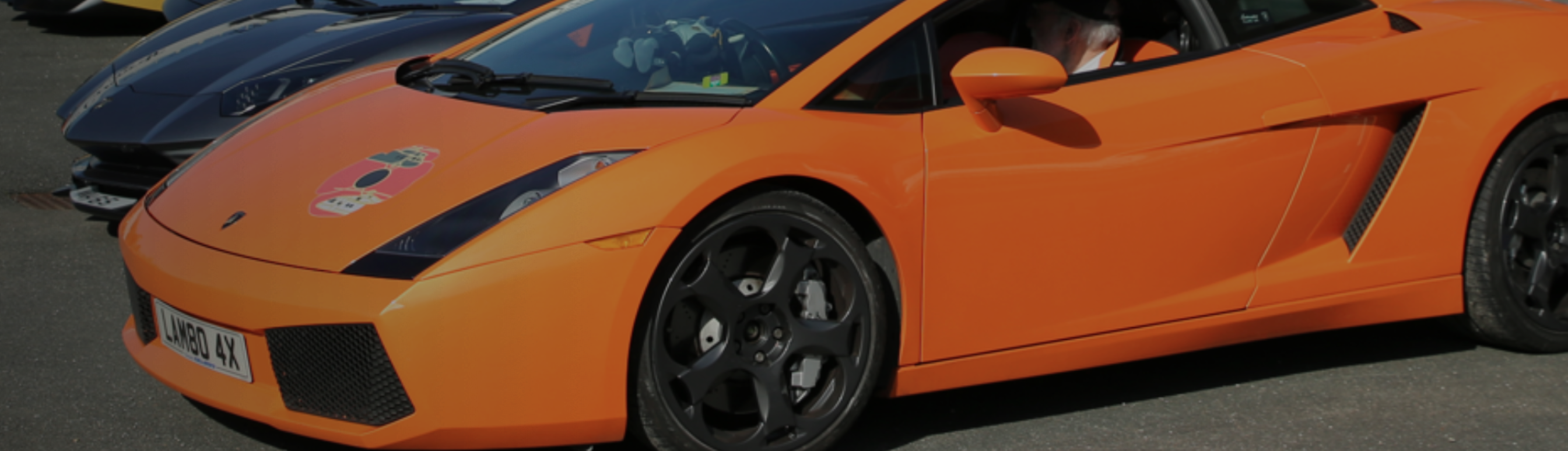
Enjoy one of the biggest Brooklands events of the year with a vast display of Ferrari, Lamborghini, Maserati, track demonstrations and Test Hill climbs!

Expect an impressive display to include Alfa Romeo, Lancia, Fiat, Abarth, Ducati, Aprilia, Vespa, Lambretta and more!

With food, live music, Test Hill ascents and track demonstrations, there’s lots to enjoy.

Head across to Mercedes-Benz World to Watch the parade of Italian vehicles on the Mercedes World track.

Bring your Italian car or motorcycle to join the flamboyant display!
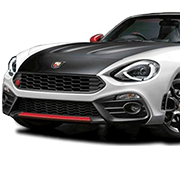
More information at: https://www.brooklandsmuseum.com/whats-on/italian-car-day-2025

To book, use this link: https://brooklandsmuseum.seetickets.com/event/premium-event-day-italian-car-day/brooklands-museum/3230090 and quote ITAL25124SC


User Feedback

Join the conversation

You can post now and register later. If you have an account, sign in now to post with your account.

Guest
  • This will not be shown to other users.

  • Your Review Required
    Add a review...

Account

Navigation

Search

Search

Configure browser push notifications

Chrome (Android)
  1. Tap the lock icon next to the address bar.
  2. Tap Permissions → Notifications.
  3. Adjust your preference.
Chrome (Desktop)
  1. Click the padlock icon in the address bar.
  2. Select Site settings.
  3. Find Notifications and adjust your preference.